
The direct answer is no, you cannot use Google Home to actively and continuously listen remotely to conversations without consent or explicit setup for that purpose. While Google Home devices are designed to listen for wake words like “Hey Google” or “OK Google” to trigger actions, they are not intended or designed as surveillance devices for unauthorized remote audio monitoring. Attempting to use them for such purposes would violate privacy and potentially be illegal.
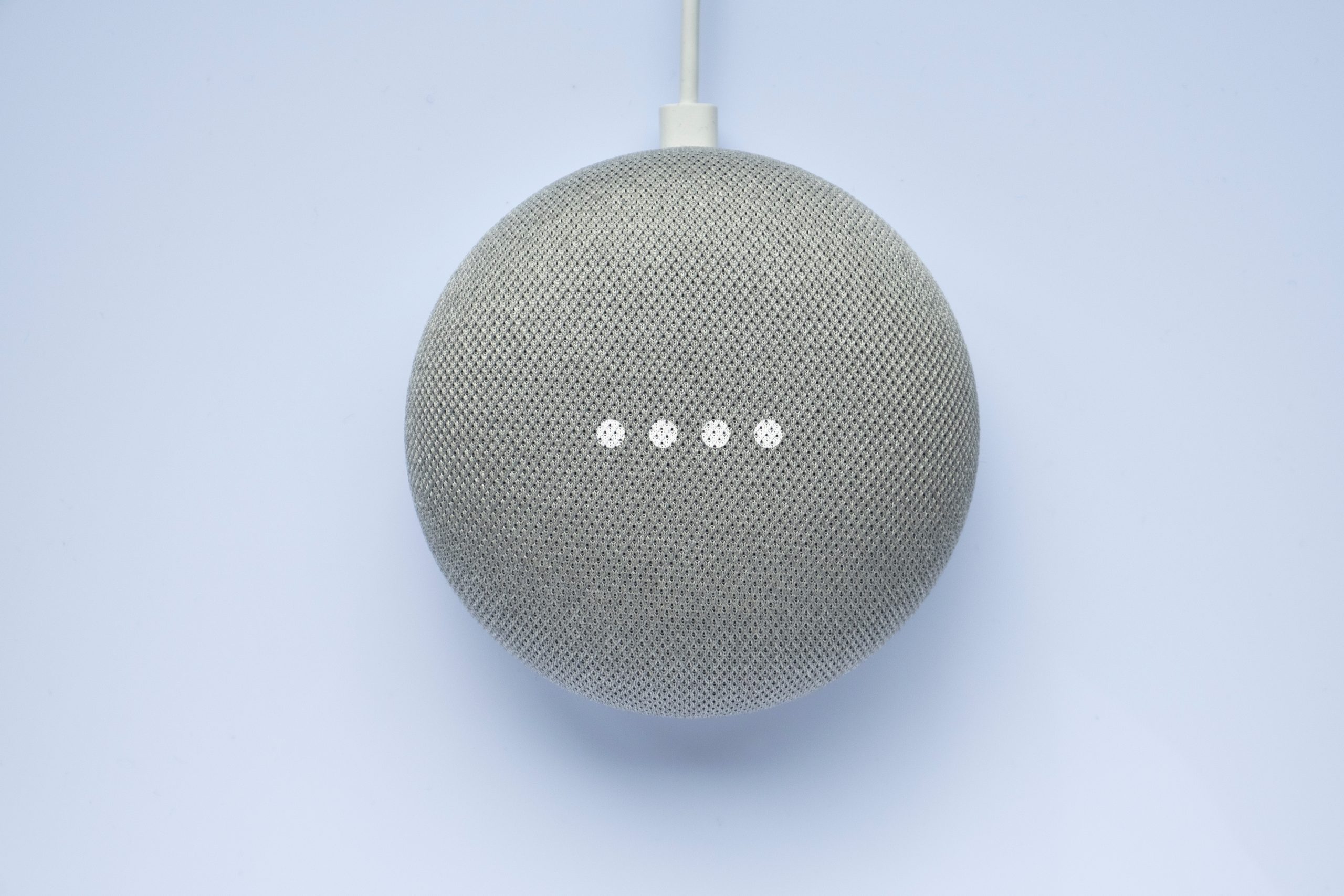
Image Source: raisemagazine.com
Exploring Google Home’s Listening Capabilities
Google Home devices, now often referred to as Google Nest devices, are smart speakers powered by Google Assistant. Their primary function is to respond to voice commands, answer questions, play music, control smart home devices, and more. A key component of their operation is their ability to listen for specific wake words. However, this listening is designed to be reactive, not proactive or intrusive.
How Google Home Listens for Wake Words
Your Google Home device has microphones that are always listening for the programmed wake words (“Hey Google” or “OK Google”). This process happens locally on the device itself. When the device detects one of these phrases, it then streams the subsequent audio to Google’s servers for processing and to fulfill your request.
- Local Processing: The initial detection of the wake word is done on the device to avoid sending every sound in your environment to Google’s servers.
- Cloud Processing: Once the wake word is heard, the device records your command and sends it to Google’s cloud for interpretation by Google Assistant.
- No Continuous Recording: Google Home does not continuously record and store everything you say. It only records and sends audio to Google’s servers after it hears the wake word.
This design is crucial for user privacy. The microphones are activated by a specific trigger, not by a constant, unauthorized stream of audio.
Concerns About Google Home Listening In
The very nature of a device designed to listen raises privacy concerns. Many users wonder about the extent of this listening and whether it could be exploited for purposes beyond intended functionality. This leads to questions about Google Home listening in and the potential for unauthorized access.
It’s important to differentiate between the intended functionality and potential misuse. Google has stated that recordings are only sent to their servers after the wake word is detected. However, the idea of a device with always-listening microphones naturally sparks curiosity and worry about Google Home eavesdropping.
Accessing Google Home Audio Remotely: What’s Possible?
When people ask about using Google Home to listen remotely, they are often thinking about Google Home remote listening or remote audio monitoring Google Home. This could stem from a desire to check on a home while away, listen to a child’s room, or even more nefarious intentions.
Official and Intended Remote Access Features
Google has incorporated features that allow for a form of remote interaction with your Google Home device, but these are all based on explicit user actions and permissions. These are not designed for secret Google Home spy mode activities.
Google Assistant Remote Access via the App
The Google Home app is your primary tool for managing your devices. Through the app, you can:
- View activity: You can see a history of your interactions with Google Assistant, including transcribed commands and sometimes even audio recordings. This is for reviewing your own usage, not for remote listening.
- Make announcements: You can use the Google Home app on your phone to broadcast messages to all Google Home devices in your home. This is a one-way communication, not a listening feature.
- Use the device as an intercom (Talk to devices): This is perhaps the closest feature to what some might consider “remote listening,” but it’s fundamentally different. You can use the Google Home app to speak into your phone, and that audio will be played through a specific Google Home device in your house. This is for communicating to someone in the house, not for listening from afar without their knowledge.
To use this intercom feature, you would select a specific device in the app and then tap the “Talk to devices” icon. Your voice would then be transmitted. This requires you to actively initiate the transmission from your phone to a specific speaker. You are not passively listening to the speaker’s environment.
Google Home Live Listening
The concept of Google Home live listening usually implies a continuous audio stream. As mentioned, Google Home devices are not designed for this. The microphones are only actively processing audio to detect the wake word. Once detected, a short snippet is sent to the cloud for processing. It’s not a live, continuous feed.
Misconceptions and Security Concerns
The idea of a Google Home remote microphone is often misunderstood. While the device has microphones, they are not designed to be remotely activated and streamed like a standalone microphone.
Security vulnerabilities, however, are a constant concern with any internet-connected device. In the past, there have been instances where flaws in the system or user error could potentially lead to privacy breaches.
- Account Security: If your Google account is compromised, an attacker might gain access to your Google Home activity history, which could include recordings of commands.
- Device Vulnerabilities: While Google works to secure its devices, no technology is entirely immune to hacking. However, exploiting a Google Home device for unauthorized Google Home eavesdropping would require sophisticated hacking techniques and would likely be a targeted attack rather than a general capability.
It’s vital to practice good digital hygiene:
- Strong Passwords: Use a strong, unique password for your Google account.
- Two-Factor Authentication (2FA): Enable 2FA on your Google account for an extra layer of security.
- Review Activity: Periodically review your Google Assistant activity history in the Google Home app or on your Google account page.
- Secure Your Wi-Fi: Ensure your home Wi-Fi network is secured with a strong password.
Exploring the Nuances of Remote Access
Let’s delve deeper into what is not possible and why. The core question remains: Can I use Google Home to listen remotely? The answer is a firm no, in the sense of covert or continuous monitoring.
Limitations of “Listen to Google Home from Afar”
If you mean listening to what’s happening in a room without the device actively responding to a wake word, or without explicitly initiating an intercom-like function, then no, you cannot. Google Home devices are not built with a Google Home spy mode or a feature that allows for passive, unauthorized remote audio monitoring Google Home.
This is a significant privacy safeguard. Imagine the implications if any Google Home could be turned into a listening device from anywhere in the world with just a simple command or exploit. It would be a massive privacy crisis.
The “Talk to Devices” Feature Explained
The “Talk to devices” feature in the Google Home app is the closest functionality available for interacting with your Google Home device remotely. However, it’s important to reiterate its purpose:
- Intent: To allow you to speak through your phone and have your voice played out of a Google Home speaker.
- Mechanism: You open the app, select a device or group of devices, tap the microphone icon, speak, and then release. The audio is sent to that device.
- Direction: It’s a one-way audio transmission from your phone to the Google Home device. It does not allow you to hear the audio from the Google Home device’s environment.
Therefore, this feature does not enable Google Home live listening in the way one might imagine for surveillance.
Can Google Assistant Provide Remote Access to Audio?
Google Assistant itself can facilitate interactions, but not in a way that compromises privacy. For instance, if you ask Google Assistant on your phone, “Hey Google, what’s the weather like at home?” it will access weather data for your home’s location, not listen to your Google Home device.
The core principle is that your voice commands are what trigger responses and actions. Without a specific command or the wake word being detected, the microphones are not actively streaming audio to be accessed.
Legal and Ethical Considerations
The legal and ethical implications of attempting to use any device for unauthorized listening are significant.
Privacy Laws and Regulations
Many jurisdictions have strict laws regarding privacy and surveillance. Laws often require consent from all parties involved in a conversation to be legally recorded or monitored. Using a Google Home device for Google Home eavesdropping or unauthorized remote audio monitoring Google Home would almost certainly violate these laws.
- Wiretapping Laws: These laws vary by location, but generally, they prohibit the unauthorized interception of private communications.
- Consent Requirements: In many places, it’s illegal to record a conversation without the knowledge and consent of all participants.
Ethical Boundaries
Beyond legal ramifications, there are clear ethical boundaries. Using technology to spy on others, even in your own home without their knowledge, is a breach of trust and respect. While parents might be concerned about their children’s safety, there are ethical and legal ways to address this, and using devices for covert listening is not one of them.
What You Can Do Remotely with Google Home
While direct, covert listening isn’t possible, there are legitimate ways to interact with your Google Home devices remotely and manage them:
Using the Google Home App for Management
The Google Home app provides a comprehensive dashboard for your smart home ecosystem. From anywhere with an internet connection, you can:
- Check device status: See if your Google Home devices are online and functioning.
- Control connected devices: If you have smart lights, thermostats, or other compatible devices linked to your Google Home, you can control them remotely. For example, you can turn off lights in a room you’re not in.
- Adjust settings: Change volume levels, set alarms, or manage routines for your devices.
- View your activity history: This is a log of your past interactions, useful for troubleshooting or remembering what you asked.
Broadcast Feature for Intra-Home Communication
The broadcast feature is excellent for communicating within your household when you’re not physically present in the same room.
- How it works: Open the Google Home app, tap “Broadcast,” speak your message, and it will be transmitted to all specified Google Home devices in your home.
- Use cases:
- Telling family members that dinner is ready.
- Announcing that you’re leaving the house.
- Asking someone to bring something to you.
This is a public announcement within your own home, not a private listening channel.
Accessing Recorded Interactions
Google does store a history of your voice commands. This is primarily for improving the service and allowing you to review your interactions.
- Accessing your data: You can access this data through your Google Account activity settings.
- Privacy of your data: Google states that this data is anonymized and used for service improvement. You have control over what data is stored and can delete your activity history.
This is about your own recorded interactions, not about listening to the ambient sounds of your home.
Addressing Specific “Remote Listening” Scenarios
Let’s break down common scenarios where people might think of using Google Home for remote listening and explain why it’s not feasible or appropriate.
Scenario 1: Checking on a Nanny or Child
A common concern is wanting to ensure a nanny is interacting appropriately with children or to check on young children.
- Can I use Google Home for this? No, not in a clandestine way. You cannot use Google Home as a hidden Google Home remote microphone to secretly monitor your home.
- What you can do:
- Use the “Talk to devices” feature to communicate with someone in the room. For example, you could broadcast a message like, “Is everything okay in the playroom?”
- Install dedicated security cameras with audio features if you need to monitor activities. These are designed for this purpose and come with clear privacy considerations for both the installer and the monitored individuals.
Scenario 2: Monitoring a Pet While Away
Some pet owners want to listen in on their pets to see if they are calm or if there’s any distress.
- Can I use Google Home for this? No, Google Home devices are not designed for this. They don’t offer a feature to listen to Google Home from afar to hear ambient sounds.
- What you can do:
- Use pet cameras that are specifically designed for this purpose. Many come with two-way audio, allowing you to not only see but also speak to your pet.
Scenario 3: Security and Intrusion Detection
While not a primary function, some might consider the listening aspect for security.
- Can I use Google Home for this? No, you cannot use it as a Google Home spy mode or a continuous audio surveillance tool.
- What you can do:
- Integrate Google Home with dedicated security systems. If your security system detects motion or an alarm, you might receive notifications.
- Use smart cameras that can send alerts for unusual activity, often with audio capabilities.
The Future of Voice Assistants and Remote Access
As voice assistant technology evolves, the lines between different functionalities can blur. However, the core principles of privacy are paramount, and manufacturers like Google are generally careful not to introduce features that could be easily weaponized for surveillance.
The desire for remote audio monitoring Google Home is understandable in a connected world, but it’s crucial to use technology responsibly and ethically.
- Focus on explicit control: Future developments are likely to emphasize user control and transparent consent mechanisms for any audio access features.
- Security enhancements: Ongoing efforts will focus on strengthening device security to prevent unauthorized access.
The conversation around Google Home remote listening often stems from a place of curiosity or perceived need for monitoring. It’s important to have accurate information about what these devices can and cannot do. They are powerful tools for convenience and information, but they are not covert listening devices.
Frequently Asked Questions (FAQ)
Q1: Can I listen to what’s happening in my house through my Google Home speaker from my phone when I’m away?
No, you cannot use your Google Home speaker as a Google Home remote microphone to listen to ambient sounds in your home from your phone when you are away. The device only streams audio to Google’s servers after it detects a wake word or when you actively use a feature like broadcasting.
Q2: Does Google Home record everything I say?
No, Google Home devices are designed to only record and send audio to Google’s servers after they detect the “Hey Google” or “OK Google” wake words. The detection of the wake word happens locally on the device.
Q3: Can someone else remotely listen to my Google Home device?
In theory, if someone managed to hack into your Google account or your home network, they might be able to access your activity history, which could contain recordings of your commands. However, they cannot simply turn your Google Home into a listening device without significant technical compromise. Google actively works to prevent such unauthorized access.
Q4: What is the “Talk to devices” feature in the Google Home app?
“Talk to devices” allows you to speak into your phone, and your voice will be played through a selected Google Home device in your house. It’s a way to communicate to someone in your home, not to listen from afar. It does not provide Google Home live listening of the environment.
Q5: Can I set up Google Home for remote audio monitoring?
No, Google Home does not have a feature that allows for unauthorized or covert remote audio monitoring Google Home. Its design prioritizes user privacy by only activating recording and streaming after a specific wake word is detected or an explicit user action is taken.
Q6: Are there any ways to use Google Home for security that involve listening?
While not for covert listening, you can integrate Google Home with security systems. For example, if a security camera detects motion, it might trigger an alert on your Google Home device. However, this is about notifications, not about using the Google Home itself as a remote listening post.
In conclusion, while Google Home offers incredible convenience and connectivity, it does not support unauthorized Google Home remote listening or acting as a Google Home spy mode. Its microphones are activated by wake words, and any remote access is through explicit, user-initiated features like the broadcast or “talk to devices” function, which are for communication, not passive eavesdropping. Always prioritize privacy and security by using these devices as intended and keeping your accounts and networks secure.